Providers — Microsoft 365 Copilot (BizChat)
copilot-m365-web (alias m365copilot) sends OpenAI-format chat requests through an
authenticated Microsoft 365 Copilot BizChat browser session at
m365.cloud.microsoft/chat. This is an unofficial integration.
New to Web Cookie providers?
Read
docs/getting-started/WEB-COOKIE-GUIDE.mdfor the general setup process, authentication guidance, limitations, and troubleshooting before following this provider-specific guide.Important: The credential for this provider is not a cookie. Do not copy cookies from
m365.cloud.microsoft. The credential is a WebSocket URL query parameter and path segment, both read from the DevTools Network tab.
Prerequisites
Section titled “Prerequisites”- A Microsoft 365 account with access to BizChat at
m365.cloud.microsoft/chat - A Chromium-based browser (Chrome, Edge) for DevTools WebSocket inspection
- A M365 Copilot license (included with many Microsoft 365 Business/Enterprise plans)
Credential capture (WebSocket method)
Section titled “Credential capture (WebSocket method)”- Sign in at
https://m365.cloud.microsoft/chatand start a conversation. - Open DevTools → Network.
- Filter by WS (WebSocket).
- Click the Chathub WebSocket connection. Look for a URL beginning with
wss://substrate.office.com/m365Copilot/Chathub/. - From its Request URL, copy:
- The
access_tokenquery parameter value (a short-lived JWT). - The Chathub path segment after
/Chathub/(e.g.<oid>@<tenant>).
- The
The full URL has the form:
wss://substrate.office.com/m365Copilot/Chathub/<oid>@<tenant>?...&access_token=<jwt>- In OmniRoute, go to Providers → Add Provider, select Microsoft 365 Copilot (BizChat), and paste the credential in the format:
access_token=<jwt>; chathubPath=<oid>@<tenant>- Click Test Connection and Save.
Credential capture (HAR import)
Section titled “Credential capture (HAR import)”Instead of manually copying values from the WebSocket URL, you can export a DevTools HAR file:
- Open DevTools → Network.
- Start or continue a BizChat conversation (this triggers the WebSocket connection).
- Right-click in the Network panel and select Save all as HAR with content.
- In OmniRoute, use the Import .har file button on the provider connection dialog.
OmniRoute scans the HAR for the Chathub WebSocket URL, extracts the
access_token and chathubPath, and populates the credential fields automatically. The
HAR import decodes the JWT expiry and shows the remaining token lifetime.
Never commit a real HAR export, access token, or refresh token. Test and documentation values must always be placeholders.
Token lifetime and refresh
Section titled “Token lifetime and refresh”The access_token is short-lived (typically ~75 minutes). After expiry, the provider
reports a connection error and you must re-capture the credential.
Automatic refresh with refreshToken
Section titled “Automatic refresh with refreshToken”To avoid manual re-capture, you can store a Microsoft refresh token in the connection’s Advanced Settings → providerSpecificData:
| Field | Description |
|---|---|
refreshToken |
Microsoft OAuth refresh token for substrate.office.com/sydney scope |
tier |
individual (default), edu, or enterprise |
Obtain the refresh token from a Microsoft device-code or authorization-code flow
scoped to substrate.office.com/sydney. With refreshToken set, OmniRoute
pre-flight-refreshes the access_token before each request, so you do not need to
re-capture after every ~75-minute expiry.
If refreshToken is not set, you must re-capture the WebSocket credential manually
after each expiry.
Tier selection
Section titled “Tier selection”| Tier | Alias | Surface |
|---|---|---|
individual |
(default) | Consumer M365 Copilot |
edu |
included |
Education M365 Copilot |
enterprise |
work |
M365 Copilot for Work |
Set the tier in Advanced Settings → providerSpecificData → tier. The tier affects the BizChat routing and model access.
Security model
Section titled “Security model”- Unofficial integration. This provider reverse-engineers the BizChat WebSocket protocol. It may break without notice when Microsoft changes the endpoint.
- The
subscriptionRisk: trueflag reflects that the integration relies on an undocumented endpoint. Account restrictions are possible but not confirmed. - The access token is a short-lived JWT. Treat it like a password: do not commit, log, or share it.
- The refresh token grants长期 access to the BizChat surface. Store it with the same care as an API key.
Troubleshooting
Section titled “Troubleshooting”Authentication fails immediately
Section titled “Authentication fails immediately”- Verify you copied from the WebSocket URL, not from an XHR/Fetch request. The
credential is in the
access_tokenquery parameter of the Chathub WebSocket connection — not in anAuthorization: Bearerheader. - Ensure the
chathubPathincludes the full<oid>@<tenant>segment from the URL path.
Token expires after ~75 minutes
Section titled “Token expires after ~75 minutes”This is expected. Without a refreshToken, the access token is short-lived. Either:
- Re-capture the credential from DevTools, or
- Configure a
refreshTokenin Advanced Settings for automatic refresh.
Test Connection passes but chat returns 401
Section titled “Test Connection passes but chat returns 401”The token may have expired between validation and the first request. Re-capture a fresh credential.
Copilot does not appear in the provider list
Section titled “Copilot does not appear in the provider list”Ensure copilot-m365-web is enabled in Dashboard → Providers. The provider may
be hidden by default in some tiers.
References
Section titled “References”- Issue: #12779
- Discussion: #12756
- Source:
src/shared/constants/providers/web-cookie.ts(provider definition) - HAR import:
src/shared/utils/m365HarImport.ts - Credential fields:
src/shared/providers/webSessionCredentials.ts - Tier modal:
src/app/(dashboard)/dashboard/providers/[id]/components/modals/m365Tier.ts
HagiCode
HagiCode is an agentic coding workspace: structured workflows, multi-agent execution, and Hero Dungeon views turn ideas into shipped software.
Turn ideas into polished, usable software with a smarter, faster, and more enjoyable agentic coding workflow.
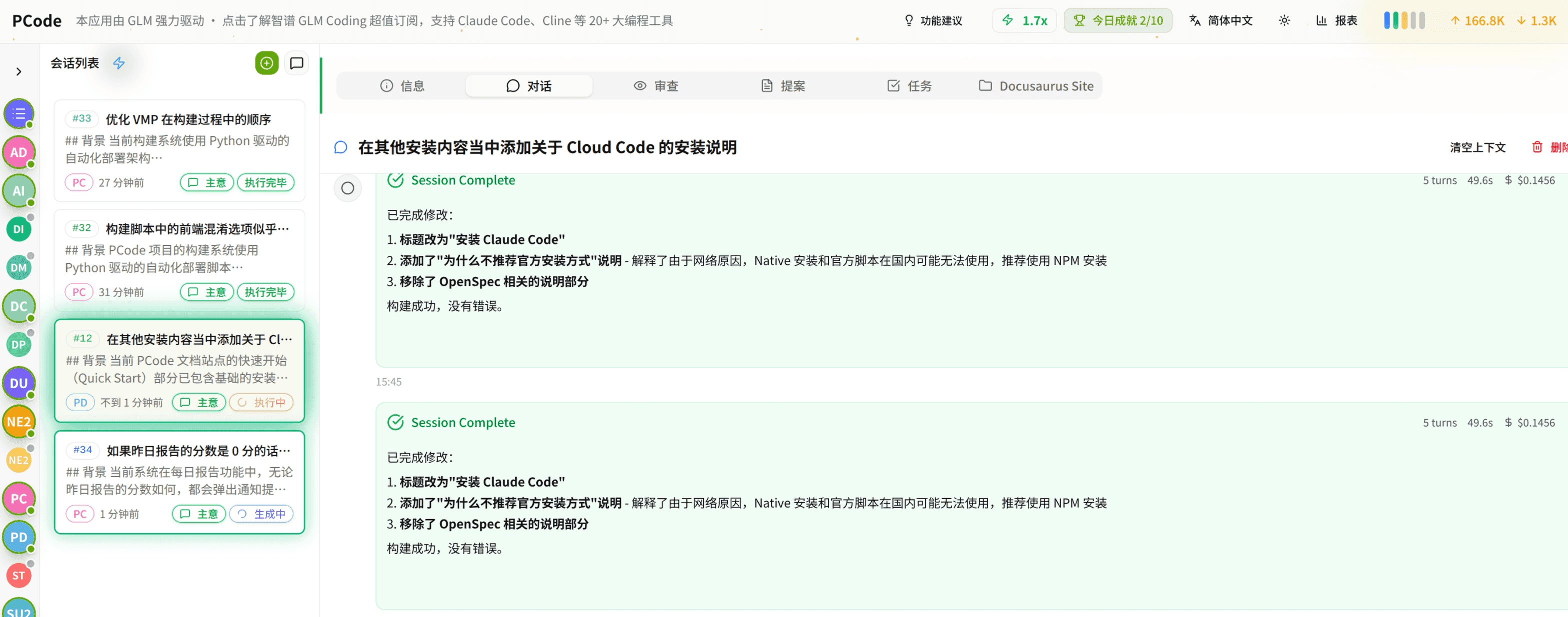
- SmartStructured workflows turn intent into an executable path from idea to shipped change.
- EfficientMulti-agent workflows keep research, implementation, and review moving in parallel.
- FunHero Dungeon interfaces make long coding sessions visual, collaborative, and rewarding.