Notion Context Source
Source of truth:
src/lib/notion/api.ts(REST client),src/lib/db/notion.ts(token persistence),open-sse/mcp-server/tools/notionTools.ts(6 MCP tools),src/app/api/settings/notion/route.ts(settings API). Tool registration and scope wiring lives inopen-sse/mcp-server/server.ts.
What it is
Section titled “What it is”OmniRoute can connect to a Notion workspace as a context source — a read/write knowledge base that agents reach through the built-in MCP server. Once a Notion integration token is configured, the MCP tools let an LLM search pages and databases, read page content and block trees, query databases with filters/sorts, and append new blocks — all proxied through OmniRoute (with retry, timeout, and error classification) so the model never touches the Notion API directly.
The integration is a thin, hardened wrapper over the official Notion REST API
(https://api.notion.com/v1, Notion-Version: 2026-03-11). The client
(src/lib/notion/api.ts) adds:
- Retry with exponential backoff (up to 3 attempts) for
429and5xx. - 55-second request timeout via
AbortController. - Typed error classification —
NotionAuthError(401/403),NotionNotFoundError(404),NotionRateLimitError(429, honorsretry afterhints),NotionValidationError(400/409),NotionServerError(5xx),NotionTimeoutError. - Message sanitization that strips stack-trace-like fragments before surfacing.
There is no environment variable for the Notion token — it is stored in the
SQLite key_value table (namespace notion, key integration_token) via
src/lib/db/notion.ts. Configure it from the Context Sources tab of the Endpoint
dashboard (ObsidianSourceCard’s sibling NotionSourceCard), or via the settings REST API.
[!NOTE] The token is a Notion internal integration token. Create an integration at https://www.notion.com/my-integrations, then share the pages/databases you want OmniRoute to access with that integration (Notion’s permission model is share-based, not workspace-wide).
Configure via REST
Section titled “Configure via REST”# Save + validate the integration token (POST validates by issuing a test search)curl -X POST http://localhost:20128/api/settings/notion \ -H "Content-Type: application/json" \ -d '{"token":"ntn_xxx"}'
# Check connection statuscurl http://localhost:20128/api/settings/notion
# Disconnect (clears the stored token)curl -X DELETE http://localhost:20128/api/settings/notionAll three methods require dashboard authentication (isAuthenticated). On POST,
OmniRoute saves the token and immediately runs a 1-result test search; if Notion
returns an error object the token is cleared and the call fails with 400.
MCP tools (6)
Section titled “MCP tools (6)”Defined in open-sse/mcp-server/tools/notionTools.ts. The token is resolved at call
time via getNotionToken(); if none is configured the tool throws
"Notion integration token not configured. Set it in Settings > Context Sources."
| Tool | Scope | Description |
|---|---|---|
notion_search |
read:notion |
Search pages and databases by text query (returns titles, IDs, URLs). Paginated. |
notion_get_page |
read:notion |
Get content and metadata of a page by its ID. |
notion_list_block_children |
read:notion |
List all block children of a block or page (the block tree). Paginated. |
notion_query_database |
read:notion |
Query a database with optional filter + sorts (Notion API format). Paginated. |
notion_get_database |
read:notion |
Get the schema/metadata of a database by ID. |
notion_append_blocks |
write:notion |
Append block children to an existing block or page (max 100 blocks per request). |
Input parameters
Section titled “Input parameters”notion_search—query(1–500 chars),pageSize(1–100, default 20),startCursor(optional).notion_get_page—pageId(32-char hex or UUID).notion_list_block_children—blockId,pageSize(1–100, default 50),startCursor(optional).notion_query_database—databaseId,filter(optional, Notion filter format),sorts(optional array),pageSize(1–100, default 50),startCursor(optional).notion_get_database—databaseId.notion_append_blocks—blockId,children(array of block objects),after(optional position).
Scopes
Section titled “Scopes”The read tools require read:notion and the write tool requires write:notion.
Scopes are enforced by withScopeEnforcement() in
open-sse/mcp-server/server.ts only when OMNIROUTE_MCP_ENFORCE_SCOPES=true; the
caller’s allowed scopes come from OMNIROUTE_MCP_SCOPES (comma-separated) or the
authenticated API key’s scope context. See MCP-SERVER.md for the
full scope model.
Endpoints
Section titled “Endpoints”| Method | Path | Purpose |
|---|---|---|
GET |
/api/settings/notion |
Return { connected, hasToken }. |
POST |
/api/settings/notion |
Save + validate the integration token. |
DELETE |
/api/settings/notion |
Disconnect (clear the stored token). |
These are dashboard settings routes. There is no public
/v1Notion proxy endpoint — Notion is reached exclusively through the MCP tools above.
Use cases
Section titled “Use cases”- Knowledge-grounded answers — let an agent
notion_searchthe workspace andnotion_get_pagethe top hit before answering, so responses cite real internal docs. - Database-backed workflows —
notion_query_databasea tasks/CRM database with filters + sorts, then summarize or triage the rows. - Write-back / logging —
notion_append_blocksto append meeting notes, run summaries, or agent output into an existing page (append-only; no destructive edits). - Structure exploration —
notion_list_block_childrento walk a page’s block tree, ornotion_get_databaseto discover a database’s property schema before querying it.
Related
Section titled “Related”- MCP Server — transports, scope enforcement, full tool inventory.
- Obsidian Context Source — the other built-in context source.
- Memory System — persistent conversational memory (complementary context layer, injected automatically rather than tool-fetched).
HagiCode
HagiCode is an agentic coding workspace: structured workflows, multi-agent execution, and Hero Dungeon views turn ideas into shipped software.
Turn ideas into polished, usable software with a smarter, faster, and more enjoyable agentic coding workflow.
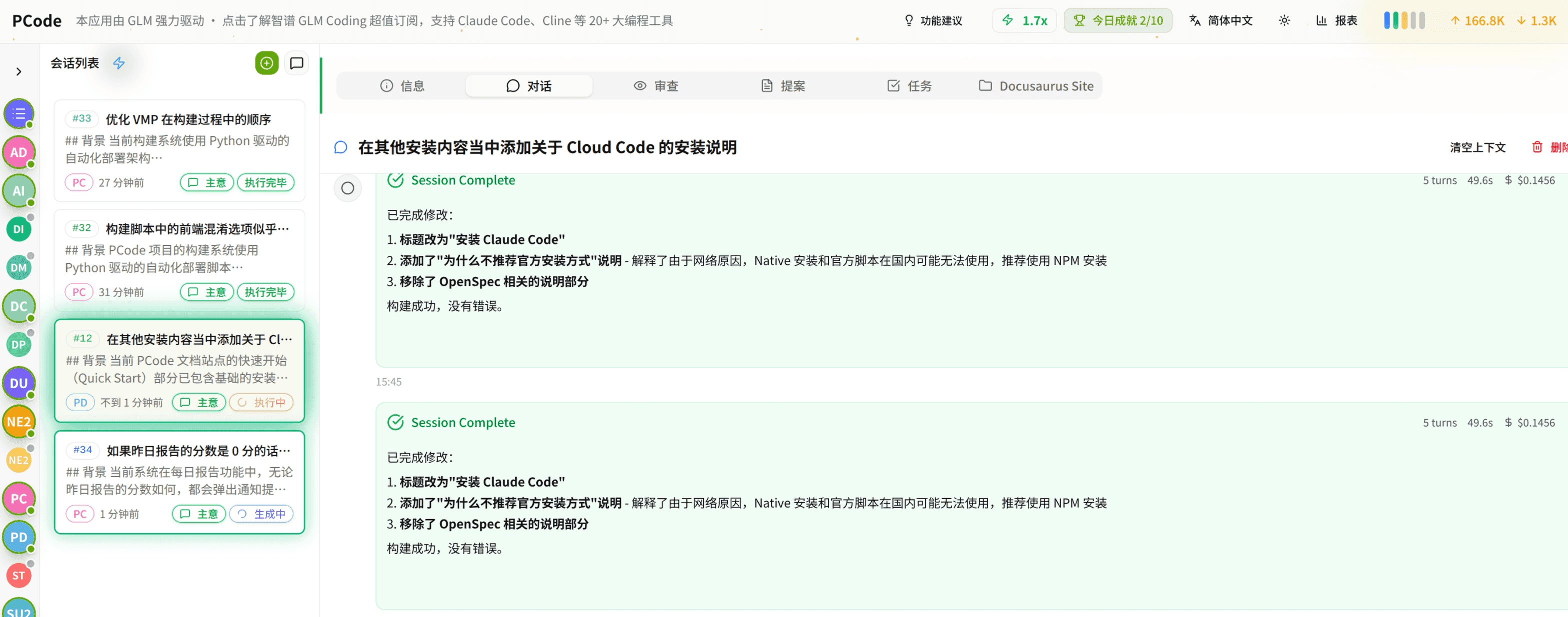
- SmartStructured workflows turn intent into an executable path from idea to shipped change.
- EfficientMulti-agent workflows keep research, implementation, and review moving in parallel.
- FunHero Dungeon interfaces make long coding sessions visual, collaborative, and rewarding.