Chaos Mode
Dashboard: Chaos Mode (sidebar) →
/dashboard/chaos
API:GET/PUT/api/chaos/config·POST /api/chaos/run(dashboard session) ·POST /api/skills/collect/chaos(API key)
Source:src/lib/chaos/chaosExecutor.ts,src/lib/chaos/chaosConfig.ts
Chaos Mode sends one task to several providers at once — every participating provider
contributes one model instance, and you get all the answers side by side (or chained). It is a
multi-model execution surface, not a routing strategy: your normal /v1/chat/completions
traffic is never affected by it.
Disambiguation — three different things ship with “chaos” in the name:
| Thing | What it is | Where documented |
|---|---|---|
| Chaos Mode | The dashboard page + API described here: fan one task out to many providers (parallel or collaborative). | This guide |
auto/chaos |
An Auto-Combo model id with fault-injection scoring weights, for resilience testing. Nothing to configure. | AUTO-COMBO.md |
| Chaos combo config | A persisted combo with config.chaos.enabled fans out to a panel with an optional judge model (API-only). |
open-sse/services/autoCombo/chaosEngine.ts |
-
Open Dashboard → Chaos Mode (
/dashboard/chaos). -
Turn it on — Chaos Mode ships disabled by default (
enabled: falseinsrc/lib/chaos/chaosConfig.ts). While disabled,POST /api/chaos/runanswers400 — "Chaos Mode is not enabled. Enable it in Dashboard → Chaos Mode.". -
Pick the participants and defaults (persisted per instance via the settings store):
Field Meaning Default / limits enabledMaster switch falsedefaultModeparallelorcollaborative(see below)parallelproviderOverridesPer-provider participation ( providerId, optionalmodelId,enabled)empty = every active provider, max 200 systemPromptOverride for the built-in Chaos system prompt optional, max 10 000 chars timeoutMsMax time per model call 120000(5 000–600 000)maxTokensmax_tokensper model call4096(256–128 000) -
Run a test from the page itself — the results panel shows each provider’s answer, status and duration.
Execution modes
Section titled “Execution modes”parallel— every model gets the same task simultaneously; you receive all answers independently.collaborative— models run in a chain: each one sees the previous model’s output and is asked to refine, extend, critique or offer an alternative. The response’ssummaryfield concatenates the successful outputs in chain order (parallel runs have nosummary).
POST /api/chaos/run — dashboard session
Section titled “POST /api/chaos/run — dashboard session”Cookie-authenticated (the management session — see MANAGEMENT-AUTH.md); used by the dashboard page.
// body{ "task": "Compare approaches to X", // required "providers": ["glm", "kimi"], // optional filter "mode": "parallel", // optional — overrides defaultMode "systemPrompt": "…", // optional override "maxTokens": 4096 // optional override}POST /api/skills/collect/chaos — API key
Section titled “POST /api/skills/collect/chaos — API key”Bearer-token variant for external callers. The key must carry the Chaos Mode permission
(chaosModeEnabled), which is off by default — enable it per key in
Dashboard → API Manager → edit key → permissions → Chaos Mode. Same body as above.
curl -X POST http://localhost:20128/api/skills/collect/chaos \ -H "Authorization: Bearer $OMNIROUTE_API_KEY" \ -H "Content-Type: application/json" \ -d '{"task":"Compare approaches to X","mode":"parallel"}'Both endpoints return the same shape:
{ "task": "…", "mode": "parallel", "startedAt": "2026-09-01T00:00:00.000Z", "totalProviders": 3, "totalResults": 3, "models": [ { "providerId": "glm", "providerName": "GLM", "modelId": "glm-4.7", "status": "success", "content": "…", "durationMs": 3210 } ], "summary": "…" // collaborative mode only}Troubleshooting
Section titled “Troubleshooting”400 Chaos Mode is not enabled— step 2 above: the global switch is off.- API key gets rejected on
/api/skills/collect/chaos— the key lacks the per-keychaosModeEnabledpermission (off by default; this is a setting, not an error). - A provider you expected is missing from the results — check
providerOverrideson the Chaos Mode page (a disabled override excludes it) and whether the provider connection is active.
HagiCode
HagiCode is an agentic coding workspace: structured workflows, multi-agent execution, and Hero Dungeon views turn ideas into shipped software.
Turn ideas into polished, usable software with a smarter, faster, and more enjoyable agentic coding workflow.
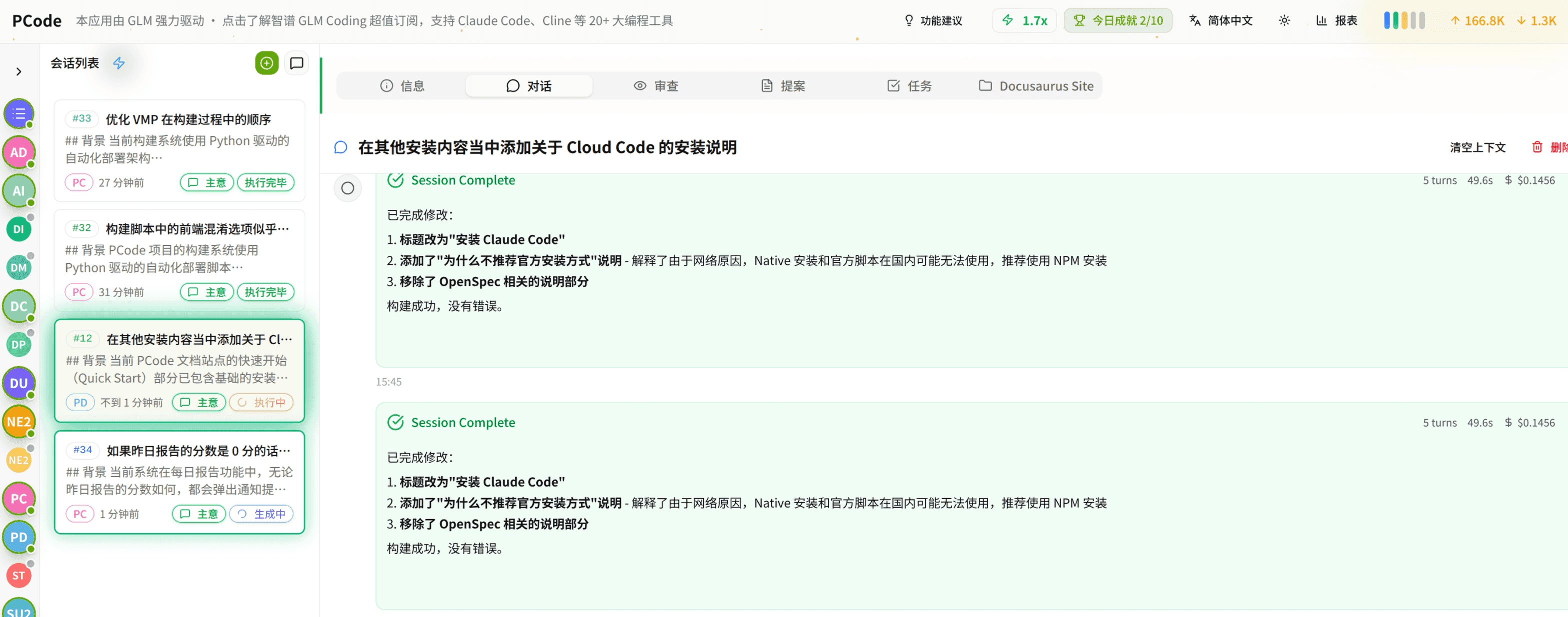
- SmartStructured workflows turn intent into an executable path from idea to shipped change.
- EfficientMulti-agent workflows keep research, implementation, and review moving in parallel.
- FunHero Dungeon interfaces make long coding sessions visual, collaborative, and rewarding.