Obsidian Context Source
Source of truth:
src/lib/obsidian/api.ts(REST + sync client),src/lib/db/obsidian.ts(token / base-URL / WebDAV persistence),src/lib/obsidianSync.ts(WebDAV vault sync),open-sse/mcp-server/tools/obsidianTools.ts(22 MCP tools),src/app/api/settings/obsidian/route.ts+src/app/api/settings/obsidian/webdav/route.ts(settings APIs). Tool registration and scope wiring lives inopen-sse/mcp-server/server.ts.
What it is
Section titled “What it is”OmniRoute connects to an Obsidian vault as a context source — a local Markdown knowledge base that agents read and write through the built-in MCP server. The integration talks to the Obsidian Local REST API community plugin running inside the desktop app, so agents can search notes, read/write/patch files, list the vault, work with daily/weekly periodic notes, manage tags, run Obsidian commands, and (optionally) coordinate a bidirectional desktop↔mobile vault sync.
The client (src/lib/obsidian/api.ts) wraps the Local REST API with:
- Retry with backoff for transient
5xx, 30-second timeout viaAbortController. - Typed error classification —
ObsidianAuthError(401/403),ObsidianNotFoundError(404),ObsidianServerError(5xx),ObsidianTimeoutError. - A friendly “cannot reach Obsidian” hint that calls out the common port mistake
(HTTP on
27123, not the MCP endpoint on27124) and the Tailscale form. - Vault-relative path encoding so note paths with spaces/slashes are safe.
There is no environment variable for the Obsidian token or base URL — both are
stored in the SQLite key_value table (namespace obsidian) via
src/lib/db/obsidian.ts. The token is encrypted at rest (AES-256-GCM, with
plaintext backward-compat fallback). Configure from the Context Sources tab of the
Endpoint dashboard (ObsidianSourceCard), or via the settings REST API.
[!IMPORTANT] The Obsidian Local REST API plugin must be installed and running. Its REST interface listens on HTTP
127.0.0.1:27123(the default base URL). Port27124is a separate MCP/HTTPS endpoint and is explicitly rejected by the settings route. If connecting from another device, usehttp://<tailscale-ip>:27123.
Configuration keys (SQLite key_value, namespace obsidian)
Section titled “Configuration keys (SQLite key_value, namespace obsidian)”| Key | Purpose | Encrypted |
|---|---|---|
api_key |
Local REST API bearer token | yes |
base_url |
REST base URL (default http://127.0.0.1:27123) |
no |
vault_path |
Absolute path to the vault directory (for sync) | no |
webdav_username |
Generated WebDAV username (vault sync) | no |
webdav_password |
Generated WebDAV password (vault sync) | yes |
webdav_enabled |
Whether WebDAV vault sync is enabled | no |
Configure via REST
Section titled “Configure via REST”# Save + validate the Local REST API token (POST validates via a status check)curl -X POST http://localhost:20128/api/settings/obsidian \ -H "Content-Type: application/json" \ -d '{"token":"<obsidian-rest-api-key>","baseUrl":"http://127.0.0.1:27123"}'
# Check connection status (returns connected, hasToken, baseUrl, vaultPath)curl http://localhost:20128/api/settings/obsidian
# Disconnect (clears the stored token)curl -X DELETE http://localhost:20128/api/settings/obsidianAll methods require dashboard authentication. POST rejects any URL on port 27124
and validates the token by calling the Local REST API status endpoint before persisting.
WebDAV vault sync
Section titled “WebDAV vault sync”src/app/api/settings/obsidian/webdav/route.ts manages an optional WebDAV-backed
vault sync (driven by src/lib/obsidianSync.ts). Enabling it points OmniRoute at a
local vault directory and mints a random WebDAV username/password pair:
# Enable WebDAV sync for a vault directory (mints username/password)curl -X POST http://localhost:20128/api/settings/obsidian/webdav \  -H "Content-Type: application/json" \  -d '{"vaultPath":"/home/me/MyVault"}'
# Get WebDAV sync status (credentials returned only while enabled)curl http://localhost:20128/api/settings/obsidian/webdav
# Disable WebDAV sync (clears credentials + managed .stignore)curl -X DELETE http://localhost:20128/api/settings/obsidian/webdav
Per-API-key context source (optional)
Section titled “Per-API-key context source (optional)”Obsidian config can be scoped per API key via the api_key_context_sources table
(src/lib/db/apiKeyContextSources.ts). When an MCP call carries an authenticated API
key id, getObsidianConfigForApiKey() prefers that key’s own token/base-URL/vault-path
(source: "api_key") and otherwise falls back to the global config (source: "global").
MCP tools (22)
Section titled “MCP tools (22)”Defined in open-sse/mcp-server/tools/obsidianTools.ts. The token/base-URL are resolved
per call (per-API-key first, then global). Tools that hit the OmniRoute sync server
(the four obsidian_sync_* tools) additionally require the sync auth token configured
in OmniRoute settings.
Read tools (read:obsidian)
Section titled “Read tools (read:obsidian)”| Tool | Description |
|---|---|
obsidian_check_status |
Check whether the Local REST API is reachable and authenticated. |
obsidian_search_simple |
Full-text search of note content; returns snippets with file paths. |
obsidian_search_structured |
Search using a JSON Logic expression (and/or/regex/path filters). |
obsidian_read_note |
Read a note by vault-relative path; optionally a specific heading/block/frontmatter. |
obsidian_list_vault |
List files and directories in the vault (tree of entries). |
obsidian_get_document_map |
Get the note’s heading structure as a map of headings → line numbers. |
obsidian_get_note_metadata |
Get frontmatter, tags, links, char/word count without the full content. |
obsidian_get_active_file |
Get the path + content of the currently active file in Obsidian. |
obsidian_get_periodic_note |
Get the daily/weekly/monthly periodic note for a date (today if omitted). |
obsidian_get_tags |
List all vault tags with their frequencies. |
obsidian_list_commands |
List available Obsidian command IDs (use with obsidian_execute_command). |
obsidian_sync_status |
OmniRoute sync server status: running, vault name, port, uptime, last sync. |
obsidian_sync_conflicts |
List unresolved sync conflicts (path, conflict path, detected-at). |
Write tools (write:obsidian)
Section titled “Write tools (write:obsidian)”| Tool | Description |
|---|---|
obsidian_write_note |
Create or overwrite a note with given Markdown content. |
obsidian_append_note |
Append content to a note; optionally to a specific heading/block. |
obsidian_patch_note |
Surgically append/prepend/replace at a heading, block, or frontmatter field. |
obsidian_delete_note |
Permanently delete a note from the vault. |
obsidian_move_note |
Move or rename a note within the vault. |
obsidian_execute_command |
Execute an Obsidian command by its command ID. |
obsidian_open_file |
Open a file in Obsidian (creates it if it does not exist). |
obsidian_sync_trigger |
Trigger an immediate bidirectional desktop↔mobile vault sync. |
obsidian_sync_resolve_conflict |
Resolve a sync conflict: keep local (mobile), remote (desktop), or keep-both. |
[!NOTE]
obsidian_patch_notetargets accepttargetTypeofheading | block | frontmatterandoperationofappend | prepend | replace, with an optionalcreateTargetIfMissing. The fourobsidian_sync_*tools talk to the local sync server (http://127.0.0.1:27781by default) and require the sync token.
Scopes
Section titled “Scopes”Read tools require read:obsidian; write tools require write:obsidian. Enforcement
is identical to Notion — handled by withScopeEnforcement() in
open-sse/mcp-server/server.ts, gated on OMNIROUTE_MCP_ENFORCE_SCOPES=true, with
allowed scopes sourced from OMNIROUTE_MCP_SCOPES or the API key’s scope context. See
MCP-SERVER.md.
Endpoints
Section titled “Endpoints”| Method | Path | Purpose |
|---|---|---|
GET |
/api/settings/obsidian |
Return { connected, hasToken, baseUrl, vaultPath }. |
POST |
/api/settings/obsidian |
Save + validate token (rejects port 27124). |
DELETE |
/api/settings/obsidian |
Disconnect (clear stored token). |
GET |
/api/settings/obsidian/webdav |
WebDAV sync status + credentials (while enabled). |
POST |
/api/settings/obsidian/webdav |
Enable WebDAV sync for a vault directory. |
DELETE |
/api/settings/obsidian/webdav |
Disable WebDAV sync. |
These are dashboard settings routes. The vault itself is reached through the Obsidian Local REST API (the configured
base_url) and through the MCP tools above — there is no public/v1Obsidian proxy endpoint.
Use cases
Section titled “Use cases”- Vault-grounded answers —
obsidian_search_simple/obsidian_search_structuredthenobsidian_read_noteso an agent answers from your real notes. - Note authoring / journaling —
obsidian_write_note,obsidian_append_note, or the surgicalobsidian_patch_noteto log agent output, summaries, or daily notes (obsidian_get_periodic_note) into the vault. - Vault navigation —
obsidian_list_vault,obsidian_get_document_map, andobsidian_get_tagsto explore structure before reading/writing. - Obsidian automation —
obsidian_list_commands+obsidian_execute_commandto drive plugins/commands from an agent;obsidian_open_fileto surface a note in the UI. - Mobile sync — enable WebDAV sync, then
obsidian_sync_trigger/obsidian_sync_status/obsidian_sync_conflicts/obsidian_sync_resolve_conflictto coordinate desktop↔mobile and resolve conflicts.
Related
Section titled “Related”- MCP Server — transports, scope enforcement, full tool inventory.
- Notion Context Source — the other built-in context source.
- Memory System — persistent conversational memory (complementary context layer, injected automatically rather than tool-fetched).
HagiCode
HagiCode is an agentic coding workspace: structured workflows, multi-agent execution, and Hero Dungeon views turn ideas into shipped software.
Turn ideas into polished, usable software with a smarter, faster, and more enjoyable agentic coding workflow.
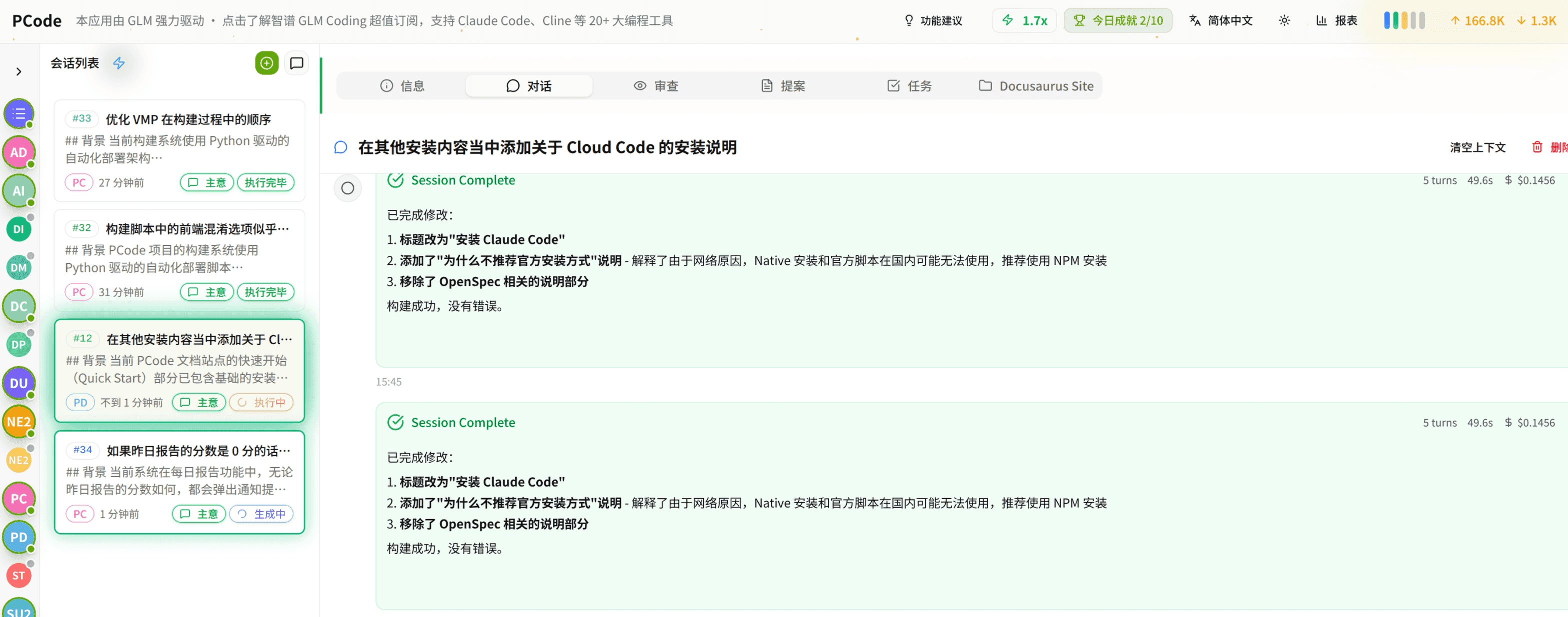
- SmartStructured workflows turn intent into an executable path from idea to shipped change.
- EfficientMulti-agent workflows keep research, implementation, and review moving in parallel.
- FunHero Dungeon interfaces make long coding sessions visual, collaborative, and rewarding.