OmniRoute CLI Plugin System
Extend the omniroute CLI without modifying its core. Plugins follow the omniroute-cmd-* naming convention, similar to gh extension or kubectl plugin.
Quick start
Section titled “Quick start”# Install a plugin from npmomniroute plugin install stripe
# Install a local plugin in developmentomniroute plugin install ./my-plugin
# List installed pluginsomniroute plugin list
# Scaffold a new pluginomniroute plugin scaffold myplugincd omniroute-cmd-mypluginomniroute plugin install .Plugin anatomy
Section titled “Plugin anatomy”A plugin is an npm package named omniroute-cmd-<name> (or @scope/omniroute-cmd-<name>).
omniroute-cmd-myplugin/├── package.json # must have "type": "module" and "main": "index.mjs"├── index.mjs # exports register(program, ctx) + optional meta└── README.mdpackage.json
Section titled “package.json”{ "name": "omniroute-cmd-myplugin", "version": "0.1.0", "type": "module", "main": "index.mjs", "engines": { "omniroute": ">=4.0.0" }, "keywords": ["omniroute-plugin", "omniroute-cmd"]}index.mjs
Section titled “index.mjs”export const meta = { name: "myplugin", version: "0.1.0", description: "My plugin for OmniRoute", omnirouteApi: ">=4.0.0",};
export function register(program, ctx) { program .command("myplugin") .description(meta.description) .option("-n, --name <name>") .action(async (opts, cmd) => { const gOpts = cmd.optsWithGlobals(); const res = await ctx.apiFetch("/api/combos", { baseUrl: gOpts.baseUrl, apiKey: gOpts.apiKey, }); const data = await res.json(); ctx.emit(data, gOpts); });}Plugin context API
Section titled “Plugin context API”The ctx object passed to register(program, ctx):
| Property | Type | Description |
|---|---|---|
ctx.apiFetch(path, opts) |
async function |
Authenticated fetch to the OmniRoute server |
ctx.emit(data, opts) |
function |
Output in table/json/jsonl/csv per --output flag |
ctx.t(key) |
async function |
i18n translation lookup |
ctx.withSpinner(label, fn) |
async function |
Wraps async fn with ora spinner |
ctx.baseUrl |
string |
Resolved base URL |
ctx.apiKey |
string | null |
API key if provided |
Discovery
Section titled “Discovery”Plugins are discovered from:
~/.omniroute/plugins/<name>/— user-local installsOMNIROUTE_PLUGIN_PATHenv var — custom directory
Both are CLI-only. The server-side plugin runtime (the marketplace/plugin.json
plugins that run inside the proxy) has its own scanner with its own override,
OMNIROUTE_PLUGINS_DIR — see
PLUGIN_MARKETPLACE.md → Plugin directory.
Setting one does not affect the other.
Loading errors are caught and printed as warnings — a broken plugin never crashes the CLI.
Security
Section titled “Security”Plugins run with the same Node.js process privileges as omniroute. Only install plugins from sources you trust. omniroute plugin install shows an explicit warning and requires --yes or interactive confirmation.
Publishing
Section titled “Publishing”- Ensure
package.jsonhas"keywords": ["omniroute-plugin"] npm publishas normal- Users discover via
omniroute plugin search <query>(searches npm registry)
Example plugin
Section titled “Example plugin”See examples/omniroute-cmd-hello/ for a minimal working example with meta + register().
HagiCode
HagiCode is an agentic coding workspace: structured workflows, multi-agent execution, and Hero Dungeon views turn ideas into shipped software.
Turn ideas into polished, usable software with a smarter, faster, and more enjoyable agentic coding workflow.
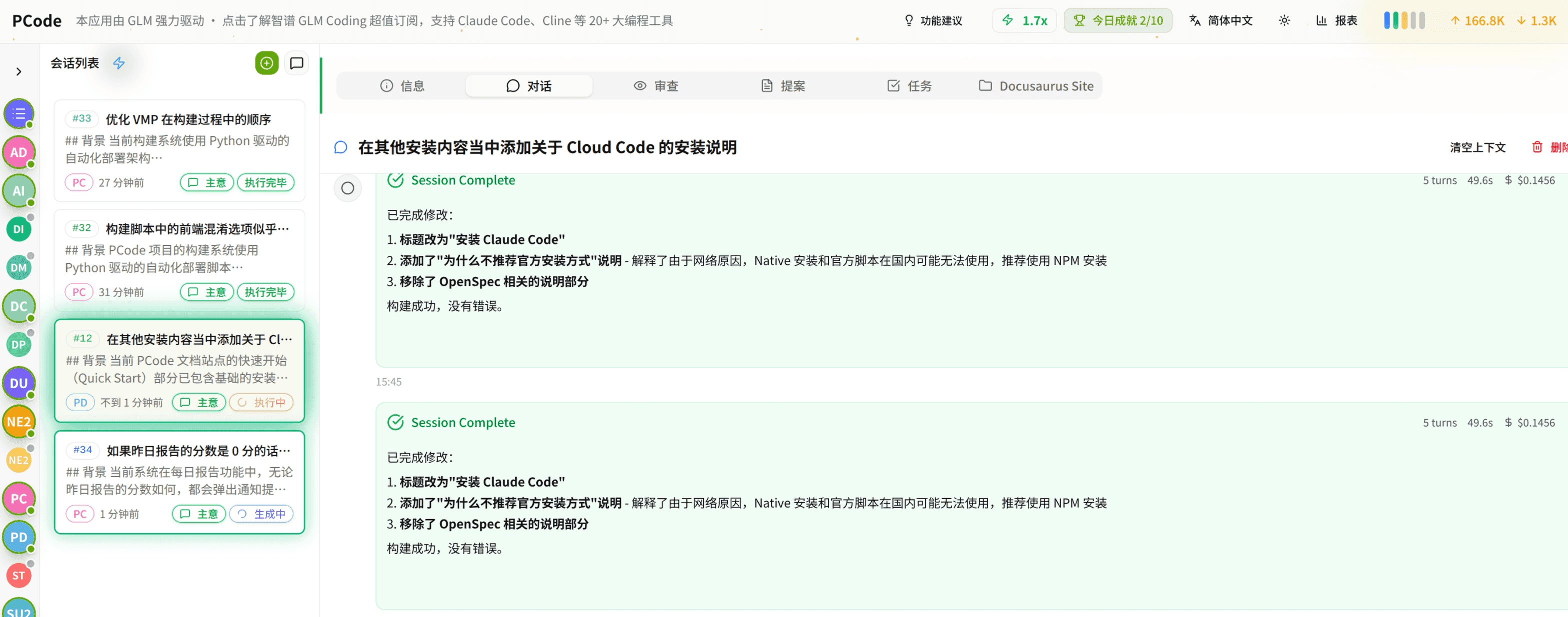
- SmartStructured workflows turn intent into an executable path from idea to shipped change.
- EfficientMulti-agent workflows keep research, implementation, and review moving in parallel.
- FunHero Dungeon interfaces make long coding sessions visual, collaborative, and rewarding.